
Start Learning WordPress
A PRACTICAL LEARNING PATH FOR BEGINNERS
Build your first WordPress website, step by step.
Go from a blank screen to a website you can share. Follow clear lessons on choosing a domain and hosting, setting up WordPress, creating your pages, and keeping your site healthy.
Practical tutorials • Plain language • Learn at your own pace
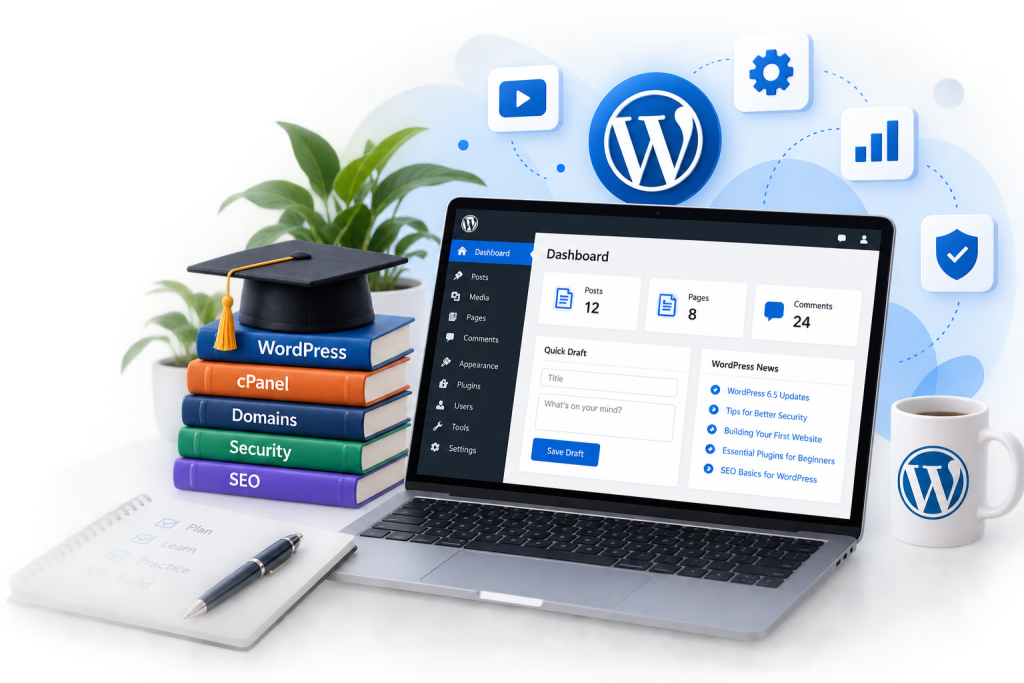
START HERE
A clear next step at every stage
New to websites? Begin at step one. Already set up? Jump to the part you need.
01 / PLAN
Choose your domain and hosting
Understand the pieces your website needs before you sign up or connect a domain.
02 / SET UP
Install and understand WordPress
Get comfortable with the dashboard, themes, plugins, and the settings you need.
03 / BUILD
From Blank to a first useful pages
Learn how to shape a home page, organise content, and facilitate the UX.
04 / LAUNCH
Launch and look after your site
Build good habits for updates, backups, security, and improving your site over time.
LEARN BY TOPIC
Choose the track that fits your goal
Explore focused collections when you want to solve a specific problem or build a particular skill.
Build your website
Start with WordPress setup, themes, pages, and the tools that help your site take shape.
Manage your hosting
Learn the practical side of cPanel domains, hosting settings, and routine maintenance.
Grow & protect your site
Build confidence with search visibility, security, performance.
KEEP GOING
Fresh lessons for your next step
Find a practical guide for the next thing you want to do, then keep building from there.
-
How to Purchase a Domain on the Techpozi Hosting Platform
In this tutorial, we walk you through the simple steps to purchase a domain…
-
How to Write Web Content Using AI: A ChatGPT Guide
In this video, you’ll learn how to create high-quality website content quickly and effectively…
-
How to Back Up Your WordPress Site
Backing up your WordPress site is essential to protect your content from accidental loss,…